Pick a dish
Choose a dish from the library and get your ingredients out on the counter.
Hands-free · voice-first · iPhone
Pick a dish, prop up your phone, and just start cooking. Simmernook talks you through every step, sets your timers, and answers whatever you ask — while your hands stay on the food, not the screen.

How it works
No setup, no reading a wall of text with greasy fingers. Choose a dish, prop up your phone, and cook out loud.
Choose a dish from the library and get your ingredients out on the counter.
Stand it where you can hear it, allow the microphone, and say you’re ready to cook.
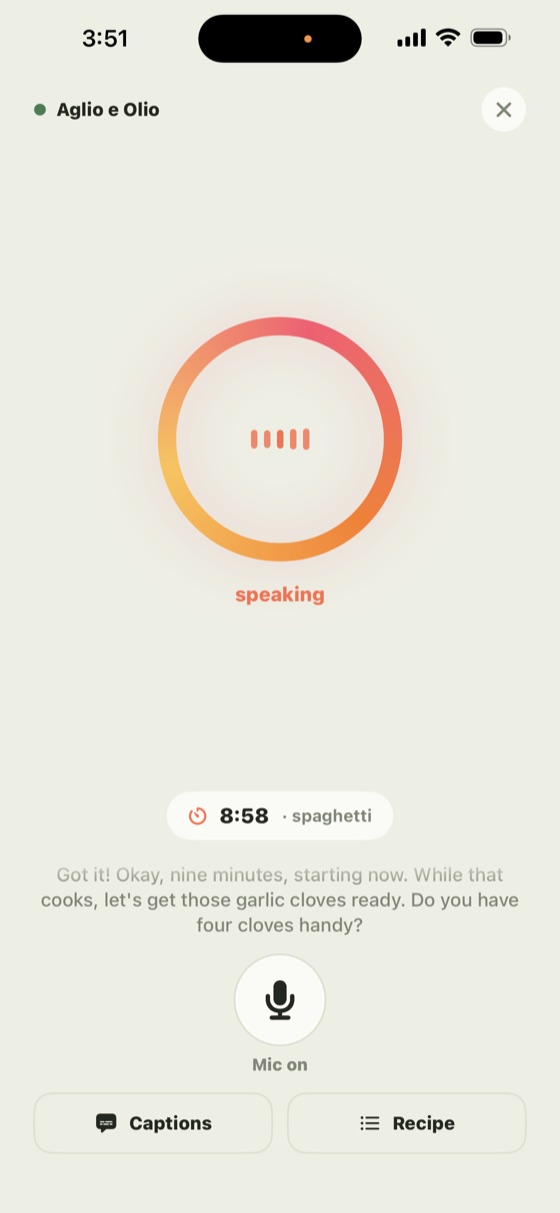
Talk through every step out loud. Simmernook guides, times, and answers — no tapping.
What it does
Not a recipe you scroll — a voice that stays with you from first chop to plated.
A warm voice that listens and answers as you cook — never a wall of text to scroll with oily hands.
It warns you just before the moments that go wrong in a hurry — like garlic hitting hot oil.
Ask for a timer and it counts down on screen and chimes — no fumbling with a separate app.
Step away for a moment and the cook resumes right where you were — even after a dropped signal.
“How much salt?” “Is it done yet?” Ask out loud and get a straight answer, mid-cook.
A warm presence that talks with you and cheers you on — so cooking solo feels a little less solo.
On screen
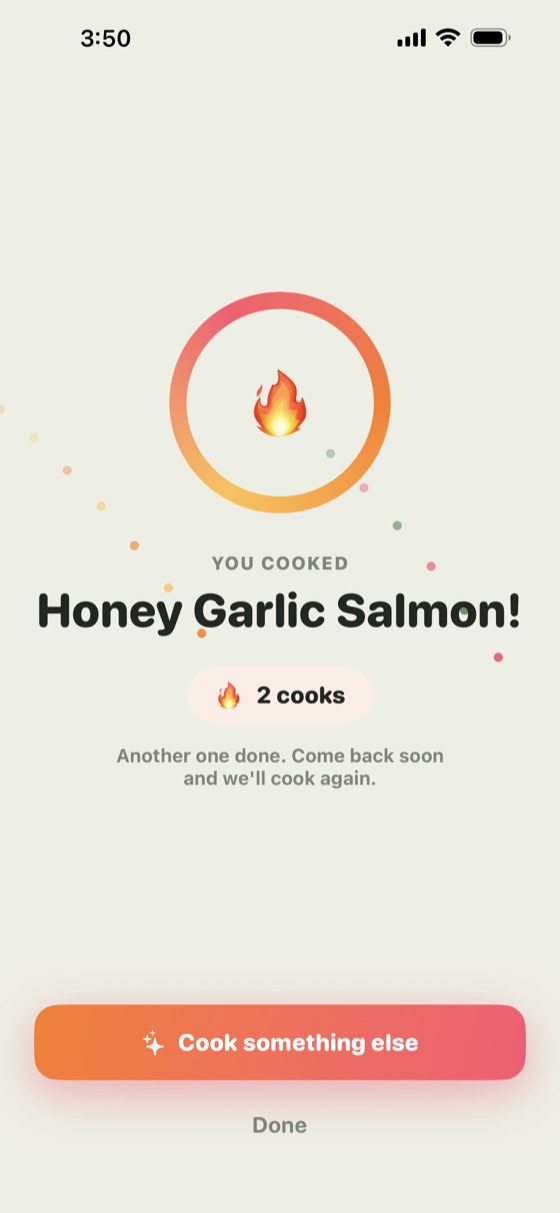
Big, glanceable steps and a live timer — but you barely need to look. Simmernook talks you through it, so the screen is a backup, not the boss.
The kitchen






Good questions
Your first three cooks are free — no account, no card. After that, Simmernook Plus is $2.99 a month and includes 90 minutes of voice cooking; unused monthly minutes don’t roll over. Need more? 45 extra minutes are $1.99 and never expire. A cook you’ve already started always runs to its finish, so you’re never cut off mid-recipe.
No. There’s no sign-up and no login. Simmernook works straight away, tied only to a random ID generated on your device.
While you’re cooking, the app streams your microphone to a secure server that generates the companion’s voice in real time. It needs microphone access, and it only listens during a cook.
No transcript of your conversation is stored on our servers. What’s said stays in your phone’s memory for the length of the cook and is gone when it ends. See the Privacy Policy for the details.
It reconnects and picks up where you left off — including any running timer — usually within a few seconds. You can also just tell it where you are and it re-orients from what you say.
Yes — AI guidance can occasionally be wrong. Always follow the food-safety instructions on your ingredients’ packaging and use your own judgement. Simmernook is for home cooking and general guidance, not professional culinary, medical, or food-safety advice.
Simmernook is an iPhone app, available on the App Store. It requires iOS 18 or later.